stampdy
Create custom rubber stamps online in minutes.
What makes this different
Stampdy makes creating custom stamps incredibly simple and fast. It's perfect for creating seals with logos or text for both digital and print use.
Overview
How to Create a Professional Stamp
Follow these steps to quickly create a professional-quality stamp using our online stamp maker:
Step-by-Step Instructions:
1.Click the "Create Stamp" or "New Stamp" button to start a new design.
2.Select the stamp shape and set the size according to your needs (e.g., 38mm for a standard stamp).
3.Add text for the outer ring or main area. Use the "Text in a Circle" feature if your design requires circular text.
4.Add additional text in the center of the stamp if needed.
5.Optionally, add an icon or upload an image to include in your design. Adjust its size and position.
6.Preview your stamp, make adjustments as needed.
7.Once satisfied, download your stamp in PNG, SVG, or other supported formats.
No registration is required. The entire process only takes a few minutes to complete.
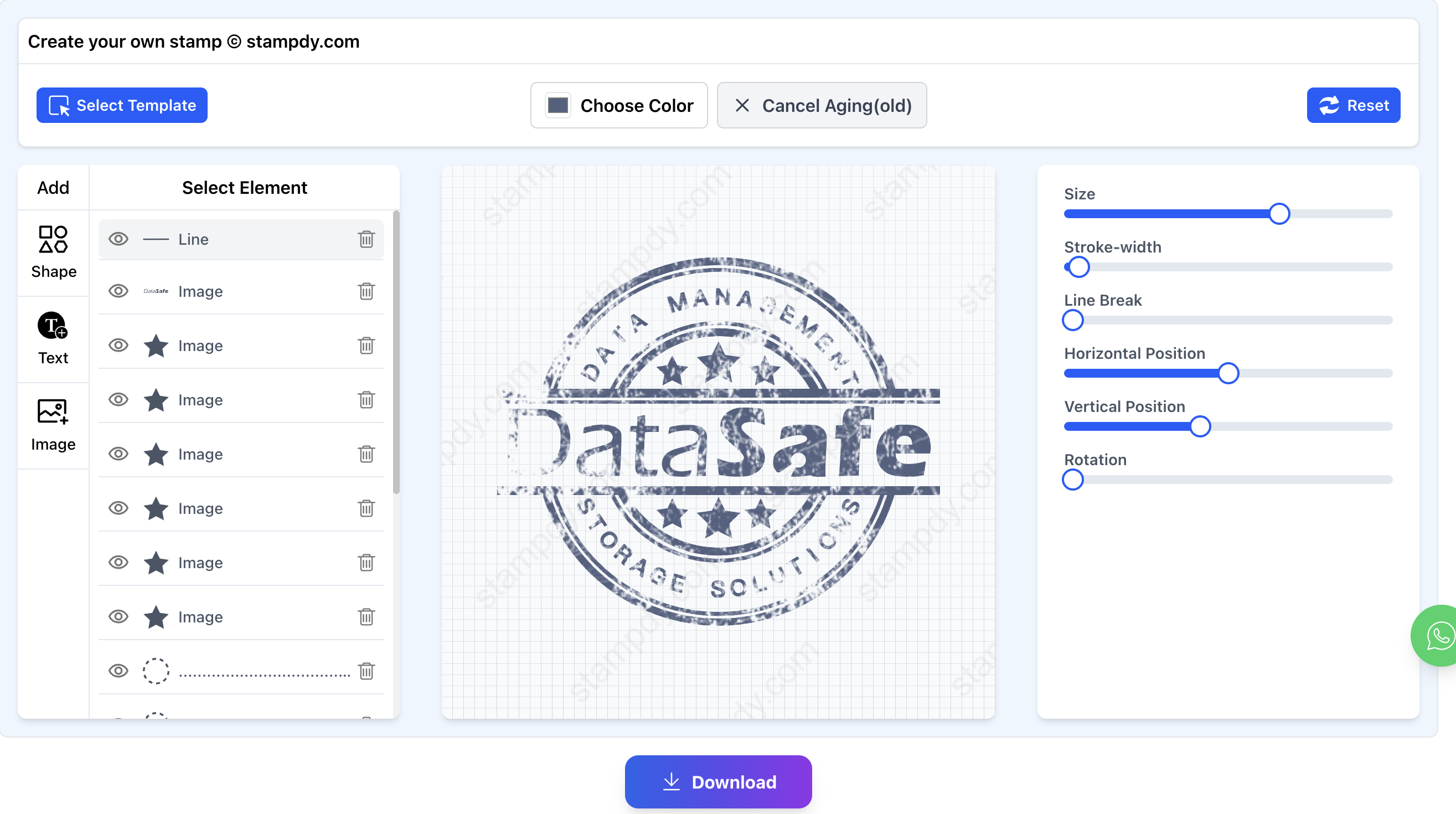
Screenshots
Tagged
More Design & Media Tools
Browse all design & media toolsOther categories